March 4, 2026
Studiov0.44.0
A single place for all your files, URLs, and connections
The redesigned Context tab consolidates files, URLs, and integrations into one unified view.
Context Tab Redesign
We've consolidated files and URLs into a single list on the Context tab with list and grid views. If something fails to process, retry it right from the card.
Paste a URL and keep working. Hamster extracts the content and makes it available as context for your brief.

Drag and drop files anywhere on the tab. They're ready to use as context within seconds.
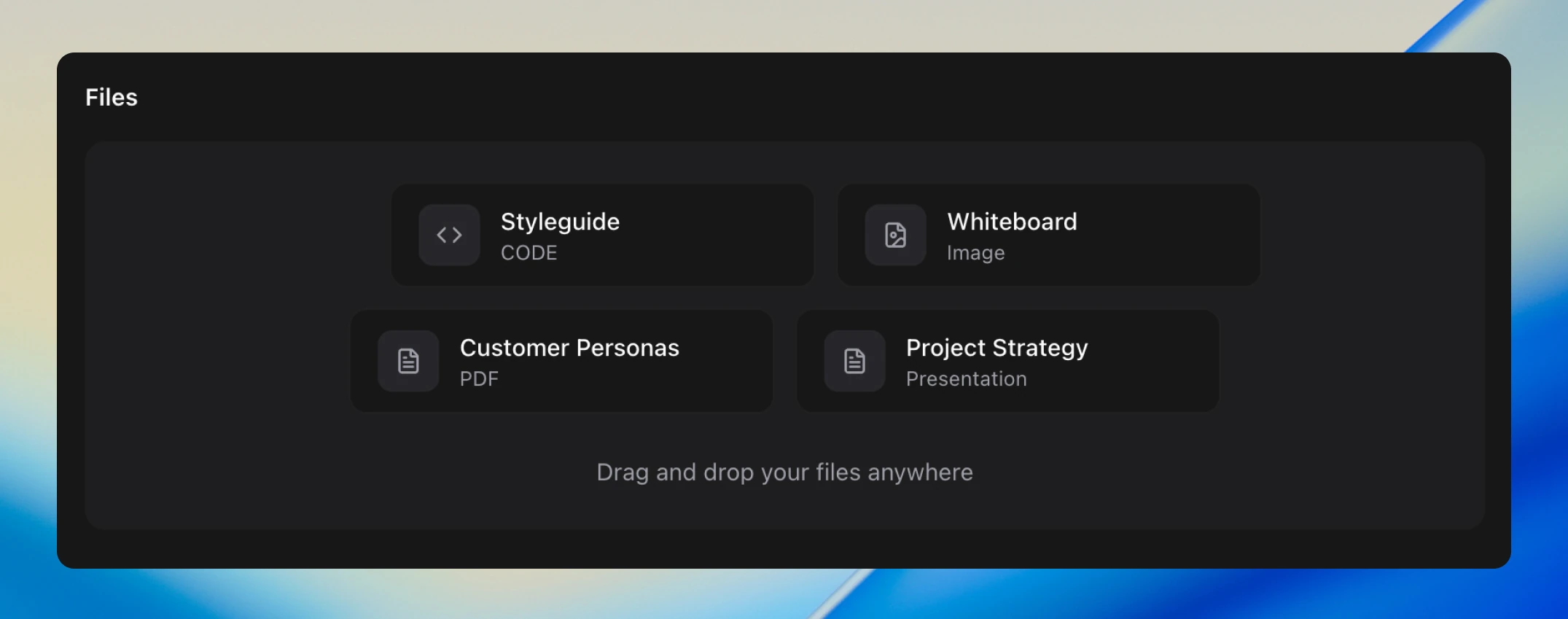
You can see exactly what access you're granting before connecting a service. Google Drive, Notion, and other OAuth integrations connect in one click.
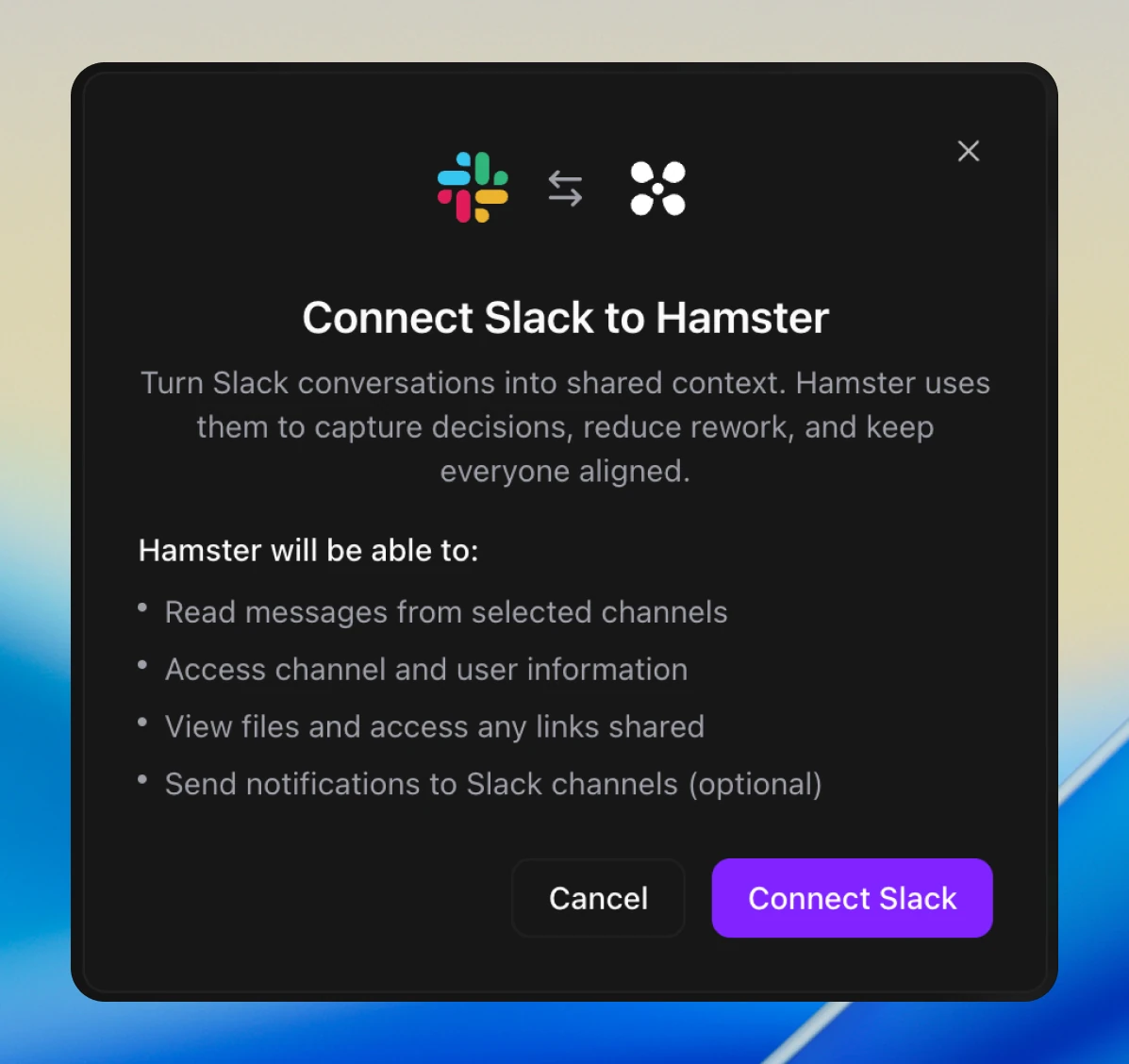
See all available connections.
Improvements
- Brief filter settings now persist across sessions
- The full UI is now available in Traditional Chinese (zh-TW)
- When a code diff fails to apply, you now see why instead of guessing
- Shared summaries in chat threads take up less space
Bug Fixes
- The onboarding agent no longer creates a brief prematurely while waiting for you to answer its discovery questions